

Software Solutions
-
Measure where a client is with a large variety of detailed questions
-
Track program onboarding and progress
-
Record each instance of assistance
-
Describe the challenges and broader context of clients’ situations
-
Set discrete goals and record progress
-
Upload client documents with strong security and encryption guarantees

Codect Reporting Platform
The large and varied data set is a great base for developing powerful reports.
In addition to CSBG reports, agencies can show the impact of their human service programs.
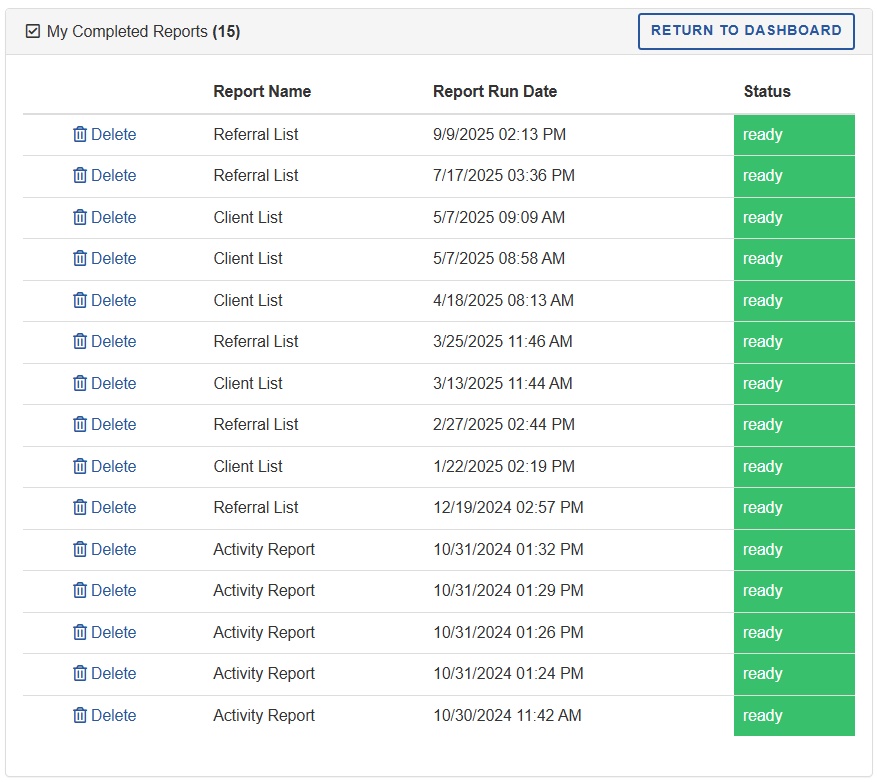
Access accurate, up-to-date reports to measure impact and simplify data management.
-
View individual service records
Analyze demographic and enrollment data
-
Record outreach, education, and community event activities
Quantify impact of services on community engagement
-
Detect duplicate client or household records
Ensure accurate unduplicated counts across programs
Simplify reporting accuracy
-
Monitor application volume
Measure program demand and resource allocation
Centralized case management: Case managers can securely review applications, background checks, and work status in one unified system.
Real-time visibility: Built-in application status tracking keeps both staff and participants up to date throughout the process.
Organized and transparent data: All program information is structured for easy access, management, and collaboration.
Comprehensive reporting: Generate printable reports of applications and supporting documents for client records.

Youth Programs
Software for youth programs that help clients stay in school, prepare for a career, and remove barriers to success.
Seamless client access: Applicants can securely log into the client portal to submit and track their applications in real time.
Streamlined document management: Required documents can be easily uploaded directly through the client portal.
Clear progress tracking: The system automatically highlights any missing information or documents before approval.
Built-in e-signature compliance: Supports UETA and ESIGN-compliant electronic signatures for applicants and guardians.

Track and maintain details of worksites, including department, address, and availability.
Store and update key contact information for organizations for easy communication.
Track and allocate funding sources to organizations and programs efficiently.
Produce detailed reports by application, application status, and file type to monitor program performance and outcomes.
